Frozen But Not Finished: What Your Spinning Cursor Is Actually Doing
There's a specific kind of dread that comes with the spinning beach ball. Or the frozen frame. Or the progress bar that hits 97% and just... stops. Your instinct is to wait, then curse, then force-quit. What almost never crosses your mind is the possibility that the pause is intentional — that something on the other side of your screen decided to keep collecting while it let you stew.
That instinct, it turns out, might be exactly what certain systems are counting on.
The Freeze as Cover Story
When software engineers talk about "graceful degradation," they mean designing a system to fail in ways that don't completely collapse the user experience. A buffering wheel instead of a crash. A skeleton screen instead of a blank void. These are considered good UX. They're also, in certain configurations, extremely convenient windows for background data collection.
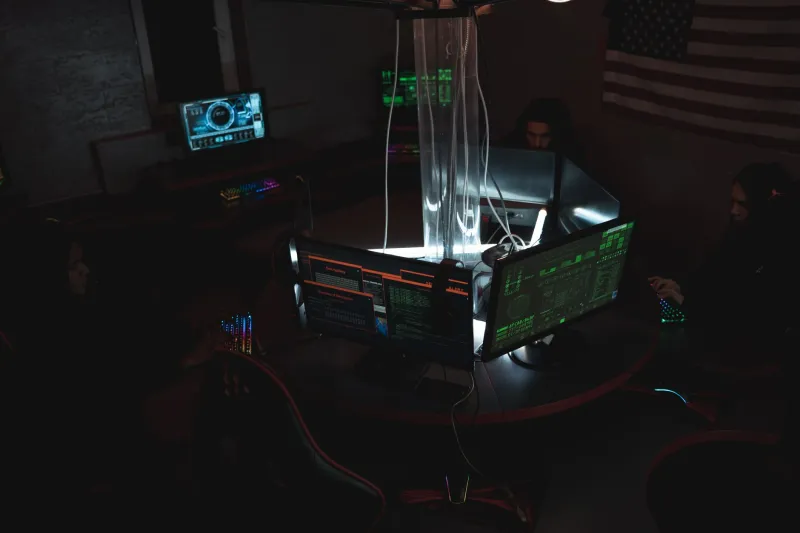
The thing is, a frozen UI and an active background process aren't mutually exclusive. Your interface can be completely unresponsive — no clicks registering, no scrolling, nothing — while the application layer underneath keeps humming. It's still talking to servers. It's still logging. The freeze you're experiencing is a front-end problem. The back end never got the memo.
This isn't a conspiracy. It's just architecture. But the gap between "this is how software works" and "this is something being done to you" gets uncomfortably narrow when you start looking at which apps freeze at which moments.
Lag as a Data Collection Window
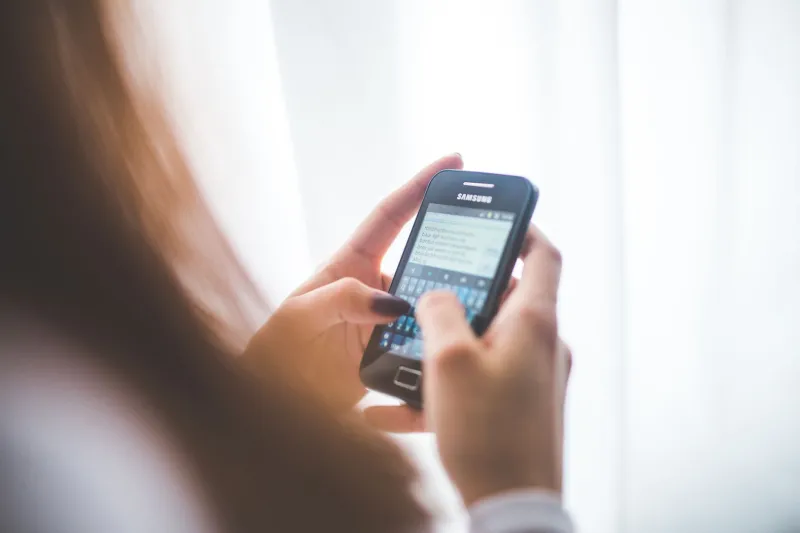
Researchers studying mobile app behavior have documented something worth sitting with: certain applications show elevated network activity during apparent loading states, not before or after. The spinner isn't waiting for data to arrive. It's waiting for data to finish leaving.
Session replay tools — software used by companies to literally record your screen interactions for UX research — are a well-documented example of this. Tools like FullStory, Hotjar, and similar platforms are embedded in thousands of apps and websites. When you're on a sluggish page, there's a real chance that slowness is partly caused by a replay script finishing its job. It's not malicious in the traditional sense. It's disclosed somewhere in a terms-of-service document you didn't read. But the experiential reality is that your frozen moment was someone else's recording session.
Then there's a more unsettling tier. Security researchers have repeatedly found that certain apps — some since removed from major app stores, others still active — used loading states as behavioral camouflage. The app appears stuck. Meanwhile, it's pulling contact lists, location pings, clipboard contents. The freeze isn't a bug. It's a blind.
Why We Trust the Malfunction
There's a psychological reason this works so cleanly on us. We've been trained to interpret technical failure as neutral. A crash is just a crash. Lag is just lag. The machine broke; nobody's fault, nothing to investigate. This framing is deeply embedded in how we talk about technology — and it's incredibly useful for anyone who wants to do something in the background without triggering suspicion.
Compare this to how we'd react if the same behavior happened in a physical space. Imagine a store where the lights flickered every time you picked up a specific product. You'd notice. You'd probably mention it. But when your phone slows down every time you open a certain app after location permissions were granted? Most people assume the app just needs an update.
The ambiguity is load-bearing. It keeps users passive. It keeps questions from forming.
The Intentional Freeze: A Product Decision
Not every suspicious lag is surveillance. Some are just bad code. But some are deliberate product choices that look identical to surveillance from the outside — and that ambiguity itself tells you something.
Consider "feature freezes" built into smart TVs. Several major manufacturers have been documented using momentary display pauses to run Automatic Content Recognition scans — basically, the TV takes a screenshot of what you're watching, matches it against a database, and reports back to an ad server. The pause is real. It's brief. And it's not a glitch. It's the TV doing its actual job, which apparently includes monitoring your viewing habits in exchange for a lower sticker price.
Same goes for certain smart speakers that exhibit a processing lag before responding. Some of that lag is genuine compute time. Some of it, according to engineers who've worked on these platforms, is the device finishing a local audio capture and deciding what to do with it. The hesitation you read as "thinking" is more like "deciding."
What the Ambiguity Costs Us
Here's where it gets philosophical in a way that matters practically. When we can't tell the difference between a real malfunction and an intentional monitoring event, we lose something important: the ability to respond appropriately.
If your phone genuinely crashed, you restart it. If it was recording, you might want to revoke a permission, uninstall something, or at minimum know what just happened. But when the two scenarios are visually identical — same frozen screen, same spinning icon, same eventual return to normal — you have no reliable way to distinguish them without forensic tools most people don't have.
Some researchers have started calling this "ambiguity by design" — the idea that building surveillance into moments that look like failures isn't accidental. It's a feature of the feature. The freeze gives companies cover. And it gives users nothing.
Reading the Lag Differently
This doesn't mean you should panic every time your app stutters. Most freezes really are just bad memory management or an overloaded server. But developing a slightly more skeptical relationship with your device's "failures" isn't paranoia — it's calibration.
Practically speaking, there are signals worth paying attention to. Does a specific app freeze at specific moments — right after you grant a permission, right after you type something sensitive, right when you switch between apps? Does your battery drain spike during these pauses? Does your data usage log show activity during times when you weren't actively using anything?
These aren't definitive proof of anything. But they're the difference between a user who accepts the malfunction narrative wholesale and one who keeps a running mental note.
The frozen screen is one of the oldest pieces of UX real estate on the internet. It's the moment where user attention completely lapses — you're just waiting, not watching. If you were designing a system that needed a few seconds to do something you'd rather users didn't notice, that moment would be exactly when you'd schedule it.
Something to think about next time the beach ball starts spinning.